Brands
Unlimited brands with status, markets, palette and completeness.
“Which brands are actually defined, and which are just a logo?”
Brand OS is for people running more than one brand. It replaces the scattered folders, decks and spreadsheets with one working record per brand — strategy, identity, products, assets, campaigns, competitors and agencies in the same place.
Free to start · no credit card · a fully filled demo brand included

Why it exists
Brand architecture
Brand OS draws the hierarchy live: the master brand, every sub and endorsed brand beneath it, then categories and the products that sit in them. Move a brand and the whole tree — plus every asset, campaign and product attached to it — follows.
Nawan Group
Nawan Fresh
Dairy
Juice
Nawan Bake
Breads
Pastry
Everyday by Nawan
Pantry
Household
This is a sketch of the model. In the app the same tree is live — click any node to open the brand, category or product behind it.
Vision first
Purpose, vision, mission, essence, positioning, promise, archetype, values and reasons to believe live on the brand record — beside the identity rules that make them visible. Every filled field lifts the brand's completion rate, so you always know which brands are truly defined and which are still a logo and a hope.
Completion rate
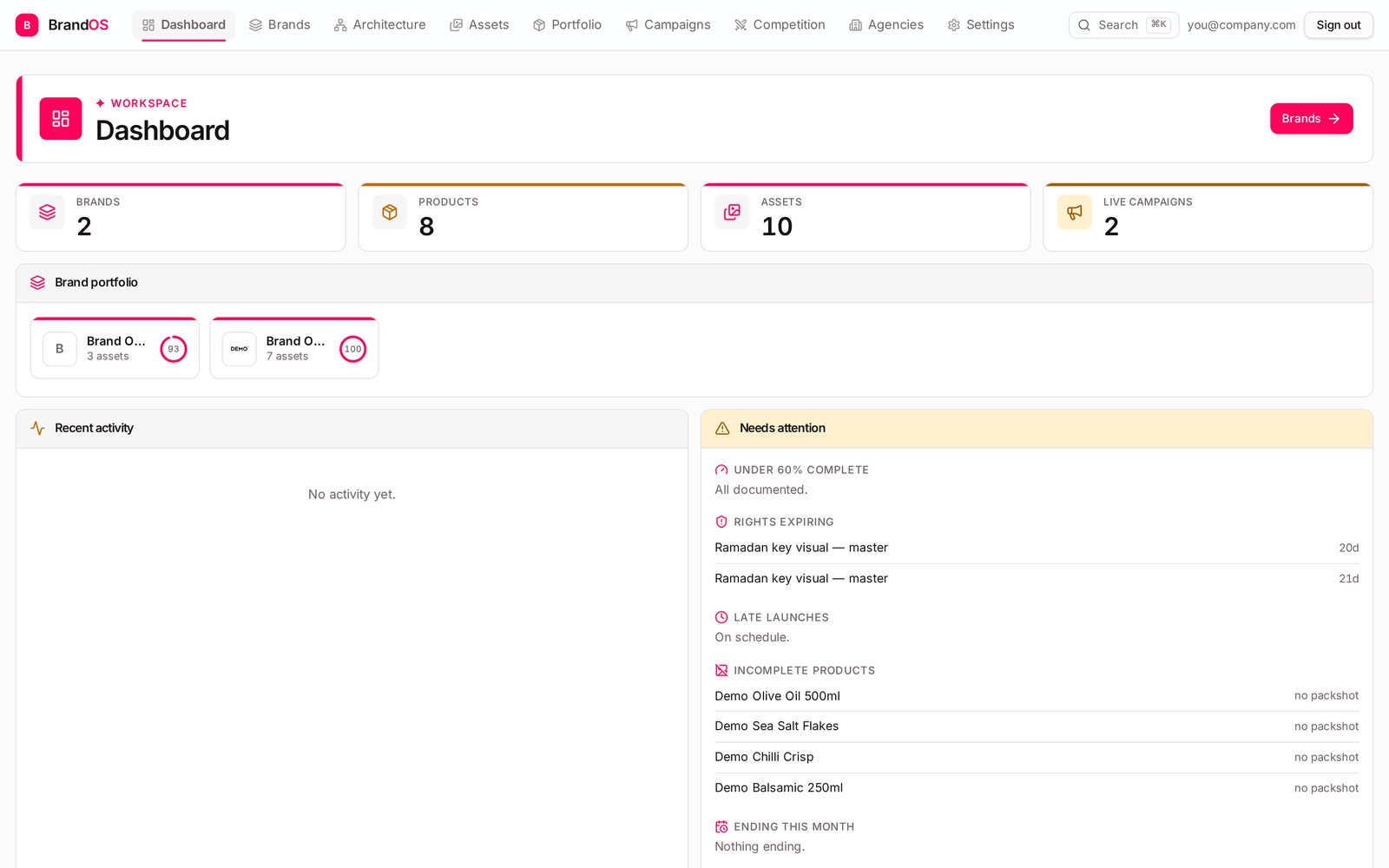
The score counts the tracked fields on a brand — strategy, identity, portfolio and assets — and turns them into one number per brand.
Nawan Fresh
Strategy and identity complete
Nawan Bake
Missing photography direction
Everyday by Nawan
No positioning or values yet
The dashboard surfaces anything under 60% in “Needs attention”, so unfinished brands stop hiding.
Onboarding
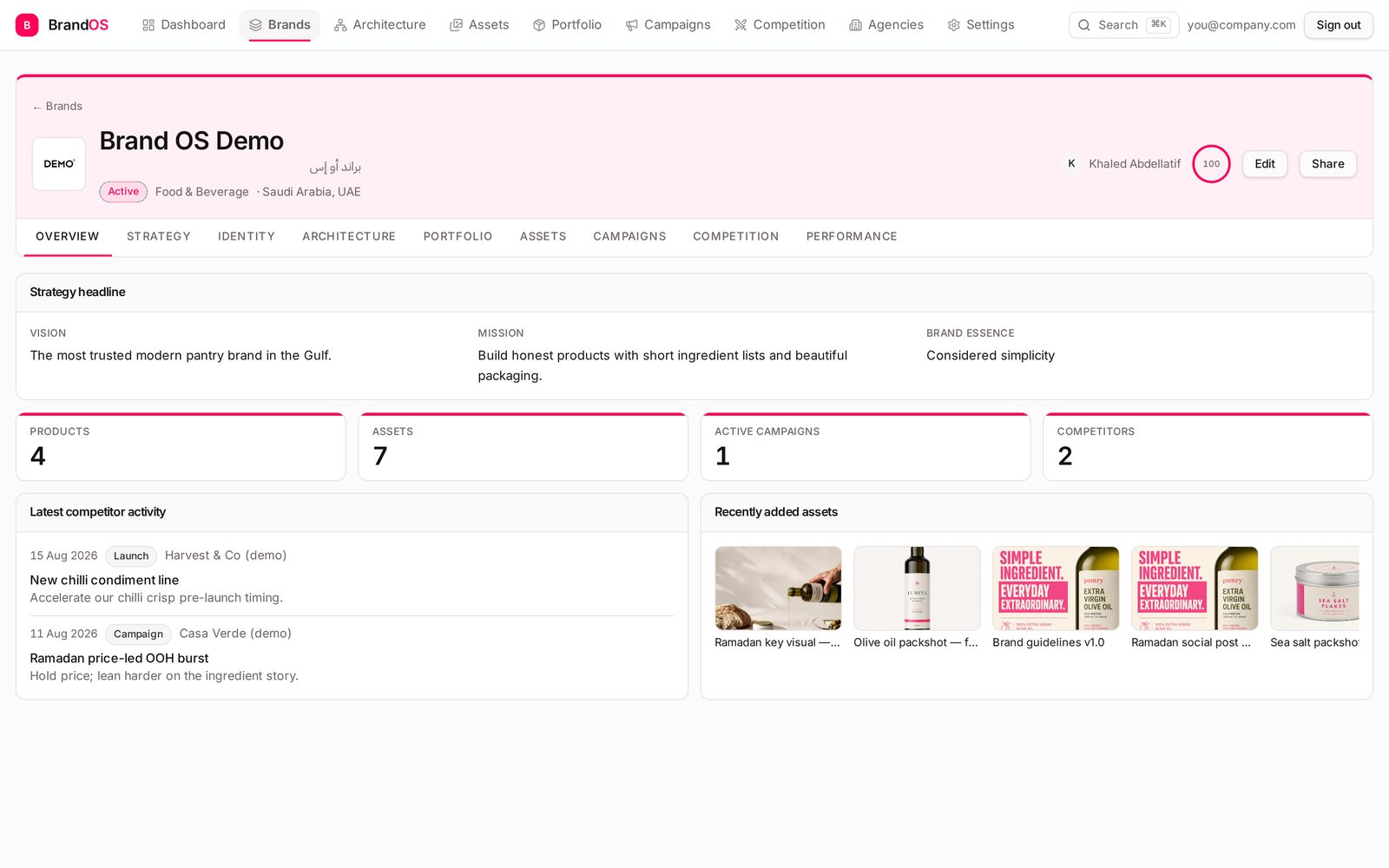
Click through the real flow. At the last step you either have your own first brand or a fully populated Brand OS Demo — strategy, identity, products, assets, a live campaign and competitor intel already filled in.
A private workspace for every brand you run. Nothing is shared with other accounts.
Your workspace is private
Only you can see the brands, assets and campaigns you create here.
Inside the workspace
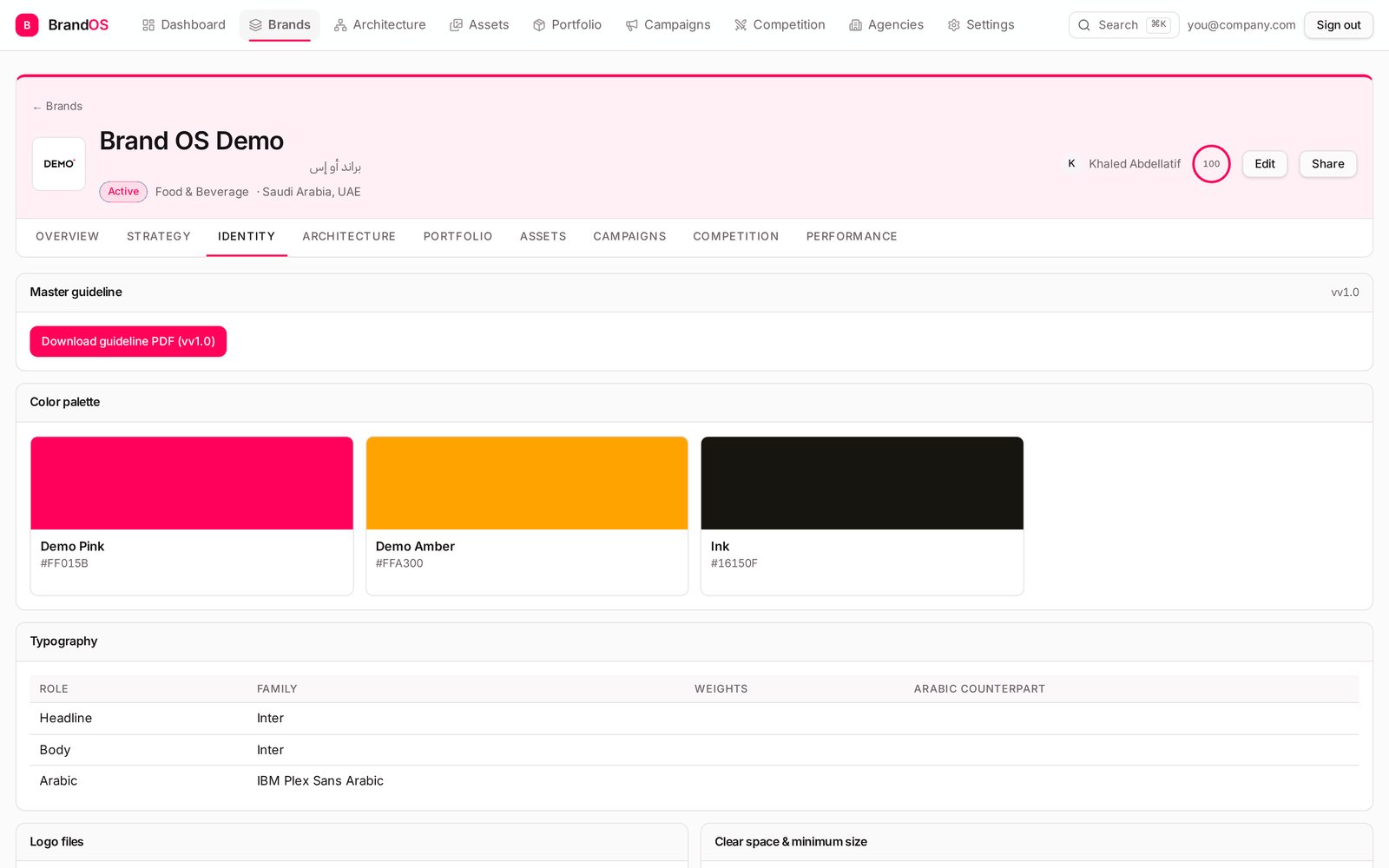
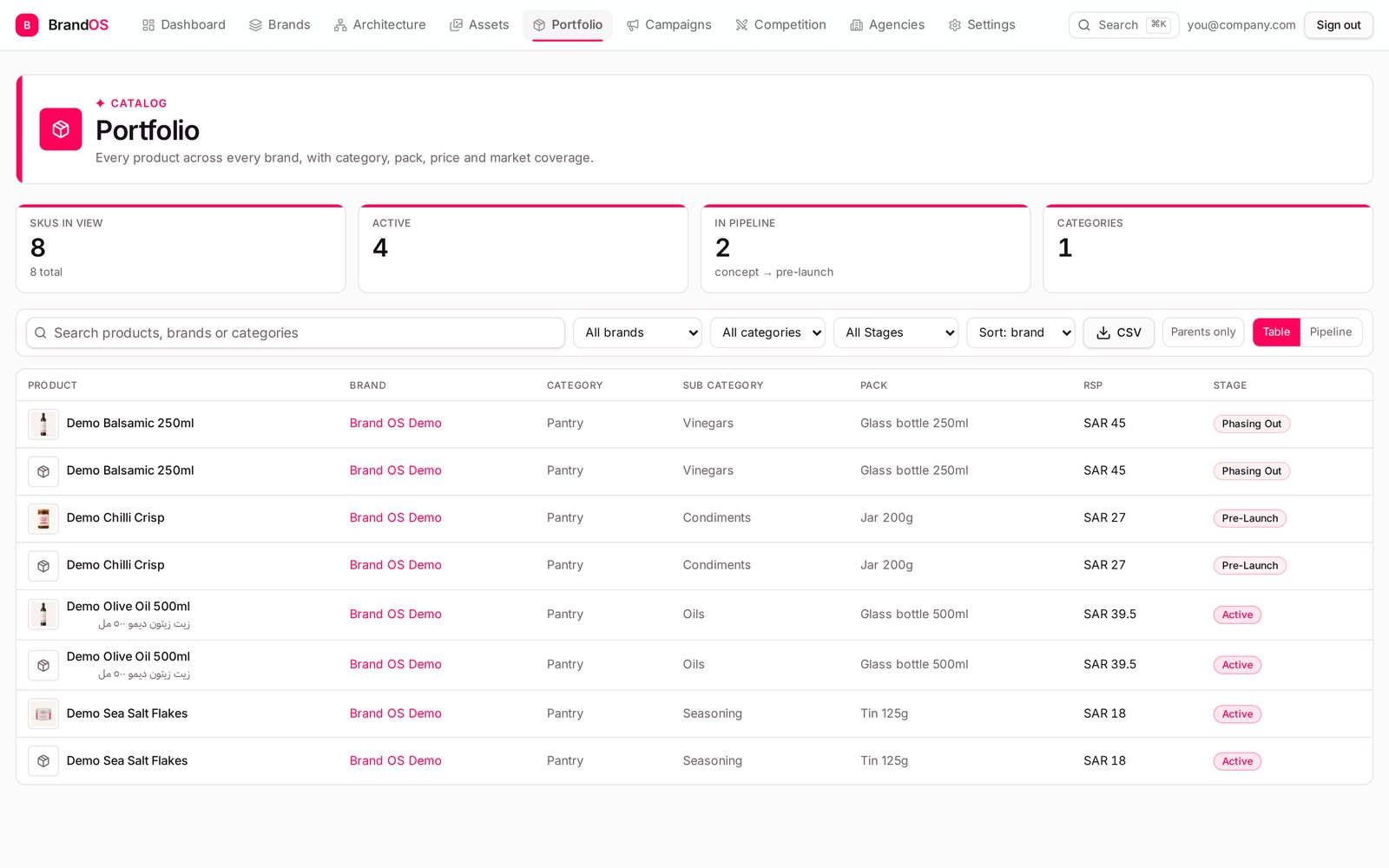
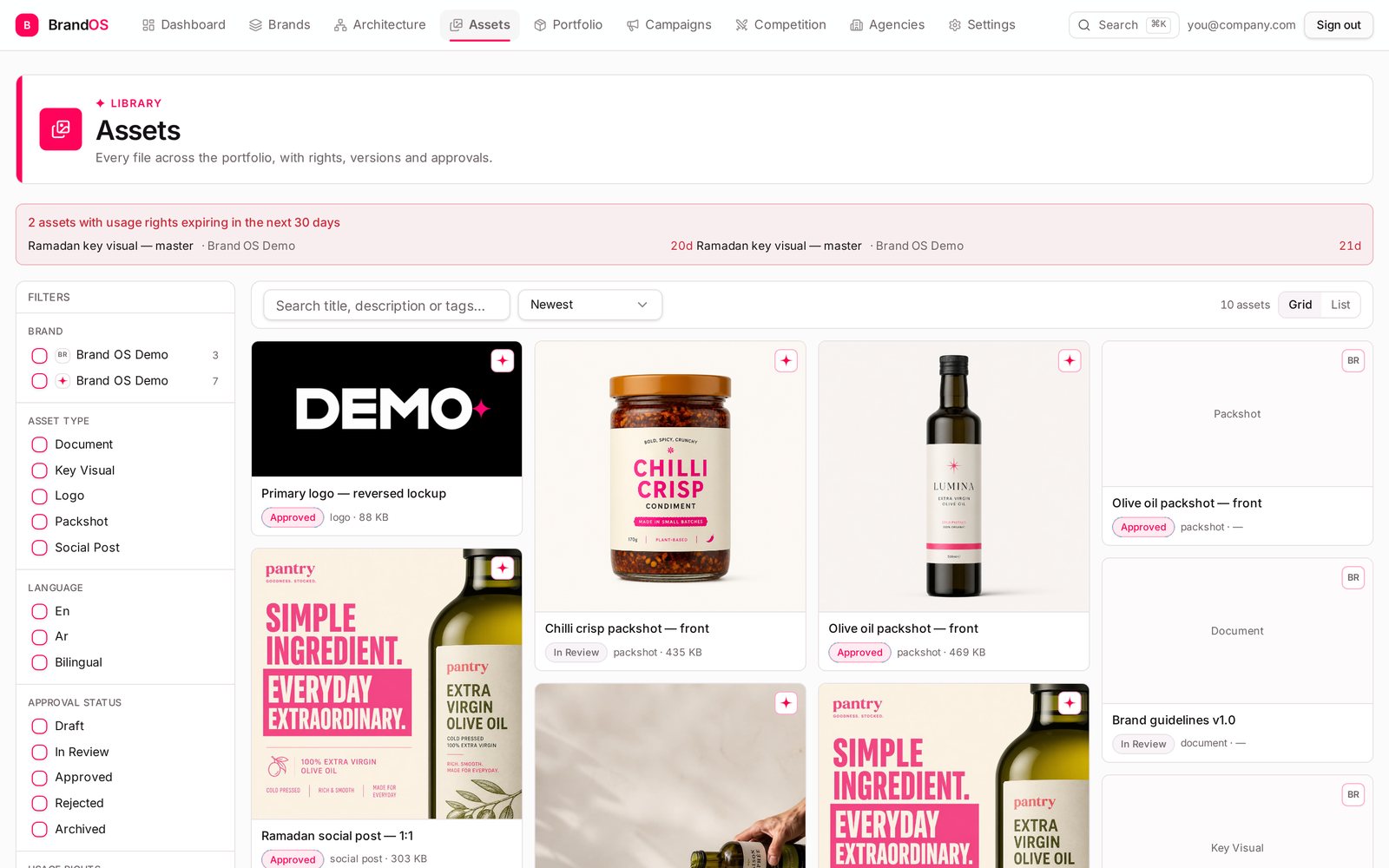
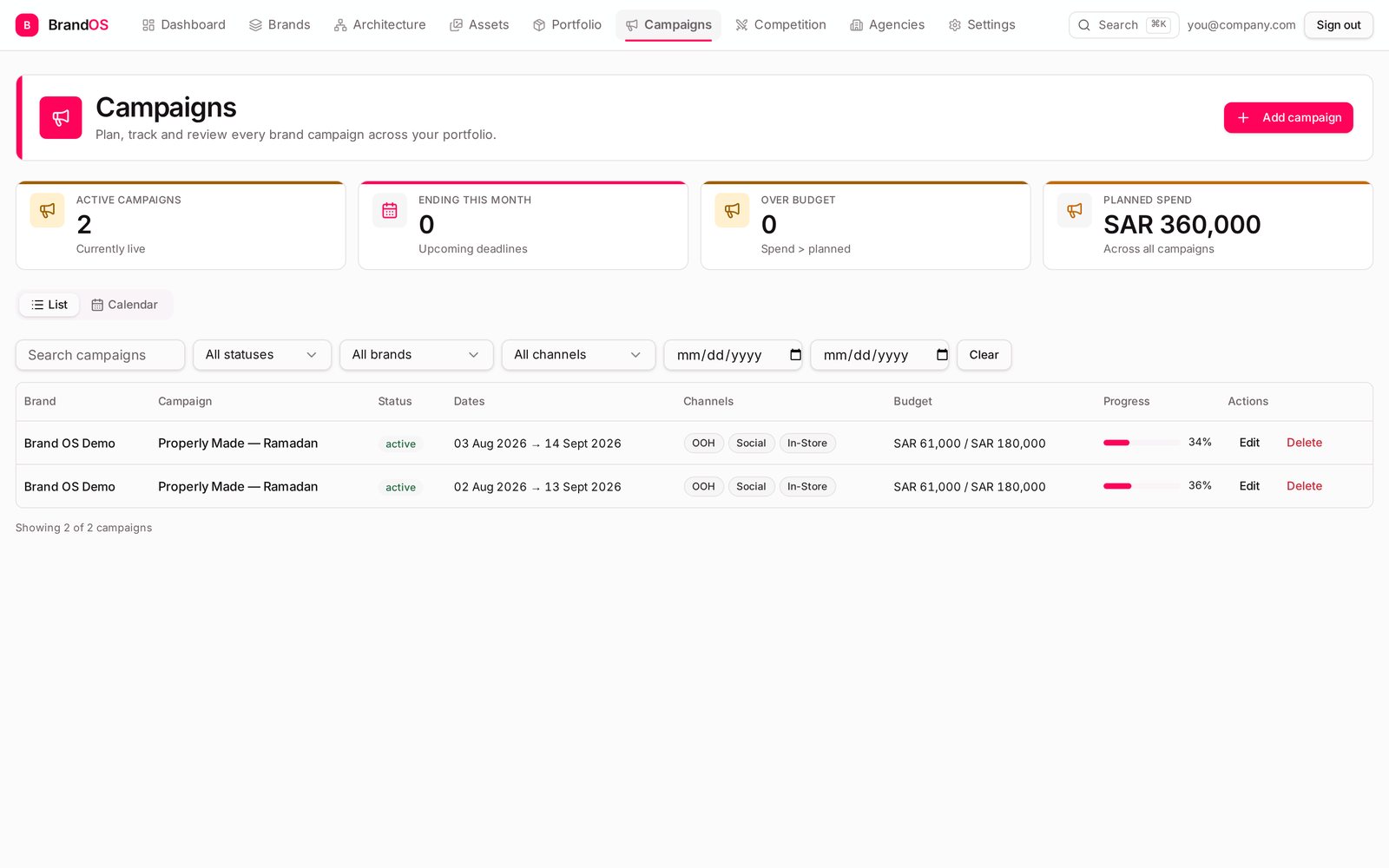
Every screen below is the actual product, filled with the demo brand you can create in your first minute.

Palettes with hex values, typography including the Arabic counterpart, logo files, clear-space rules and the guideline PDF — all on the brand record, so the answer is one click away instead of one email away.

Products, variants and SKUs with lifecycle stages, pricing and launch dates. Filter across every brand, export a CSV, hand it to anyone.

Logos, packshots, key visuals, social cuts and documents — each with approval status, file size, language and usage rights. Anything expiring in 30 days is flagged at the top of the page.

A calendar per portfolio, tactics per campaign, attached products and assets, and budget pacing that flags an overspend early.
Each one exists to answer a question you're already being asked.
Unlimited brands with status, markets, palette and completeness.
“Which brands are actually defined, and which are just a logo?”
A live tree from master brand to sub-brands, categories and products.
“Where does this product sit in the portfolio?”
Palettes, type, logo rules and the guideline file in one place.
“What's the exact pink, and can I put the logo on a photo?”
Products, variants and SKUs with lifecycle stages and pricing.
“What launches next quarter, and what's being phased out?”
Versions, approvals, usage rights and expiry warnings.
“Which assets expire this month?”
Calendar planning, tactics per campaign and budget pacing.
“Are we over budget before finance tells us?”
Competitor profiles, threat levels and a dated intel feed.
“What did our competitor launch, and when?”
Partner roster with scope, retainers and contract dates.
“Who owns this brand's work, and until when?”
What needs attention today across the whole portfolio.
“If I open one screen this morning, what should it tell me?”
FAQ
Create an account and we'll walk you through it — or spin up a fully populated demo brand and click around first.
Get started free